- +971 56 918 6895
- sales@globaltechuae.com
- Salah Al Din Road, Deira, Dubai-UAE

Refurbished PC Desktops: A Complete Buying Guide for 2026

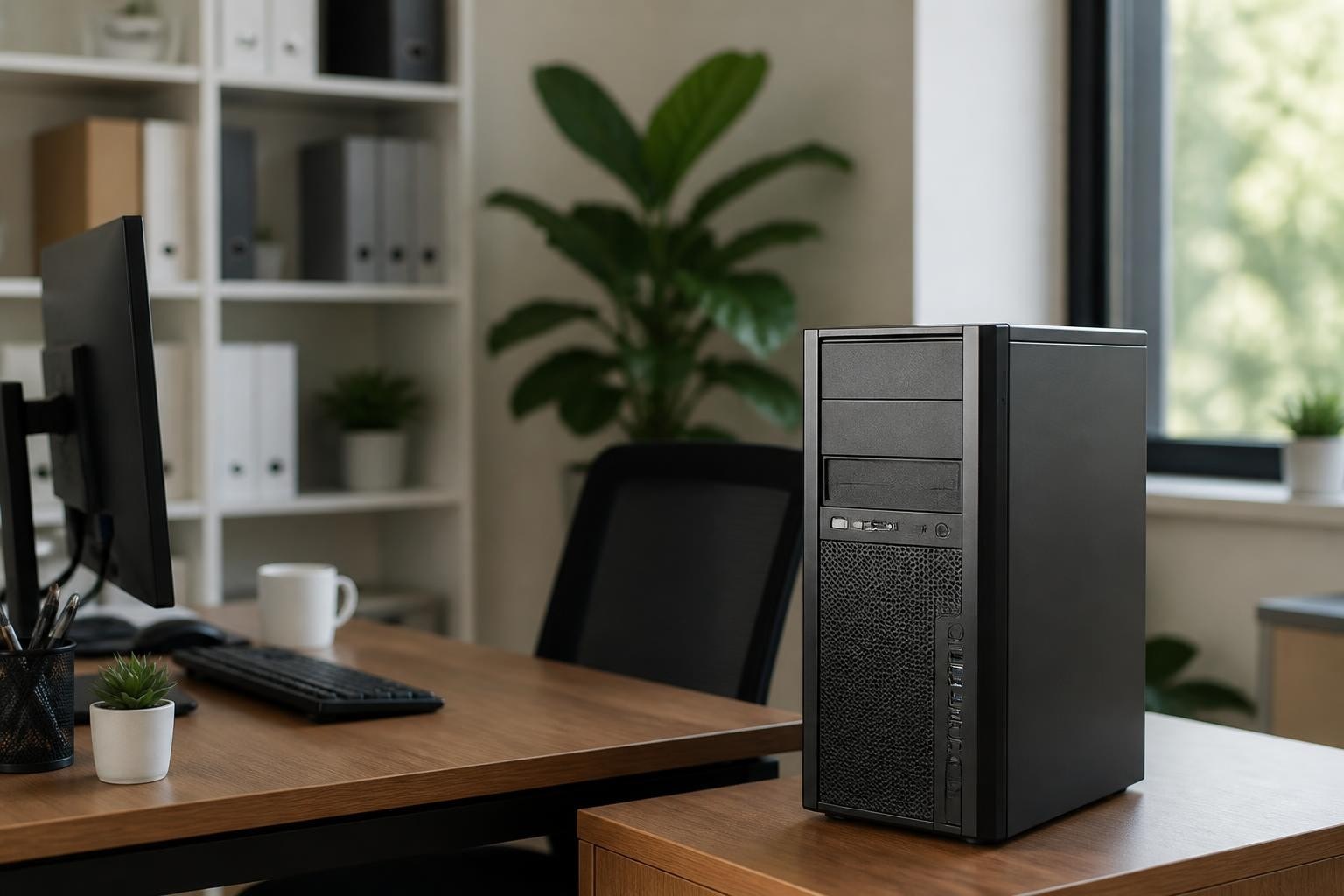
The global market for refurbished technology continues to expand as businesses and consumers recognize the value of professionally restored computing equipment. Refurbished PC desktops represent a strategic investment for organizations seeking reliable performance without the premium pricing of new systems. These professionally restored machines undergo rigorous testing, component replacement, and quality assurance processes that transform them into dependable workstations suitable for diverse business applications across Africa and the UAE markets.
Understanding the Refurbishment Process
Professional refurbishment extends far beyond basic cleaning and cosmetic improvements. Certified refurbishers implement comprehensive restoration protocols that address both hardware functionality and software integrity.
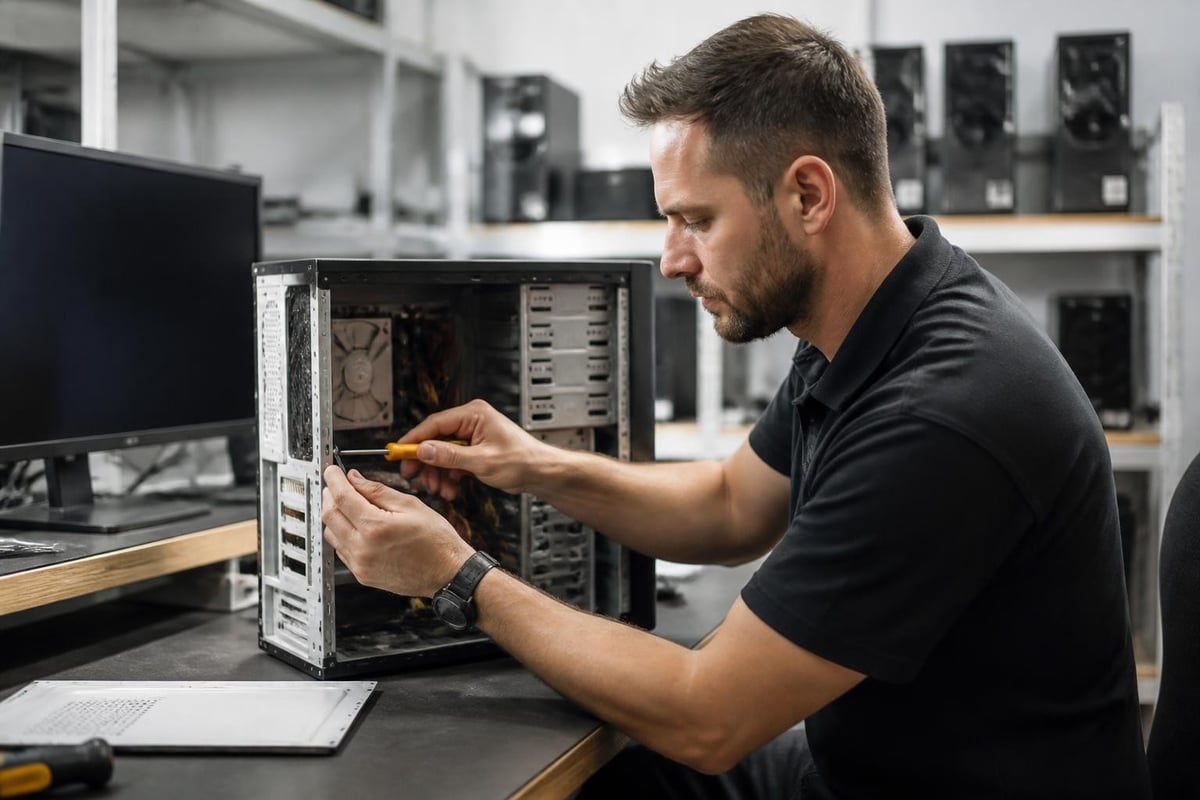
The process begins with detailed diagnostic testing to identify any component failures or performance issues. Technicians replace defective parts with manufacturer-certified components, ensuring the restored system meets original equipment manufacturer specifications. Memory modules, storage drives, and power supplies receive particular attention during this phase.
Quality Assurance Standards
Reputable refurbishment facilities adhere to industry-recognized certification standards that guarantee consistent quality across all restored units. These standards define specific testing procedures, component replacement criteria, and documentation requirements.
Key certification indicators include:
- ISO-certified refurbishment processes
- Manufacturer authorization for specific brands
- Detailed testing reports for each system
- Component-level warranty coverage
- Data sanitization compliance certifications
Quality refurbishers maintain traceability throughout the restoration process, documenting every test result and component replacement. This transparency provides buyers with confidence in their purchase and establishes accountability for system performance.
Specification Considerations for Business Applications
Selecting appropriate specifications requires matching system capabilities to intended workloads. Refurbished PC desktops span multiple performance tiers, from basic administrative workstations to high-performance computing platforms.
Processor selection significantly impacts overall system responsiveness and multitasking capability. Intel Core i5 and i7 processors from recent generations provide excellent performance for standard business applications, while AMD Ryzen alternatives offer competitive processing power at attractive price points.
Memory and Storage Requirements
Modern business applications demand adequate memory allocation to maintain smooth operation. Consider these baseline specifications for different use cases:
| Application Type | Minimum RAM | Recommended RAM | Storage Type |
|---|---|---|---|
| Office Productivity | 8GB | 16GB | SSD 256GB |
| Data Analysis | 16GB | 32GB | SSD 512GB |
| Design Work | 16GB | 32GB | SSD 512GB + HDD |
| Basic Computing | 4GB | 8GB | SSD 128GB |
Solid-state drives have become essential components for responsive system performance. The speed difference between traditional hard drives and SSDs dramatically impacts boot times, application loading, and file operations. Many refurbished systems now include SSD upgrades as part of the restoration process.
Cost Analysis and Budget Optimization
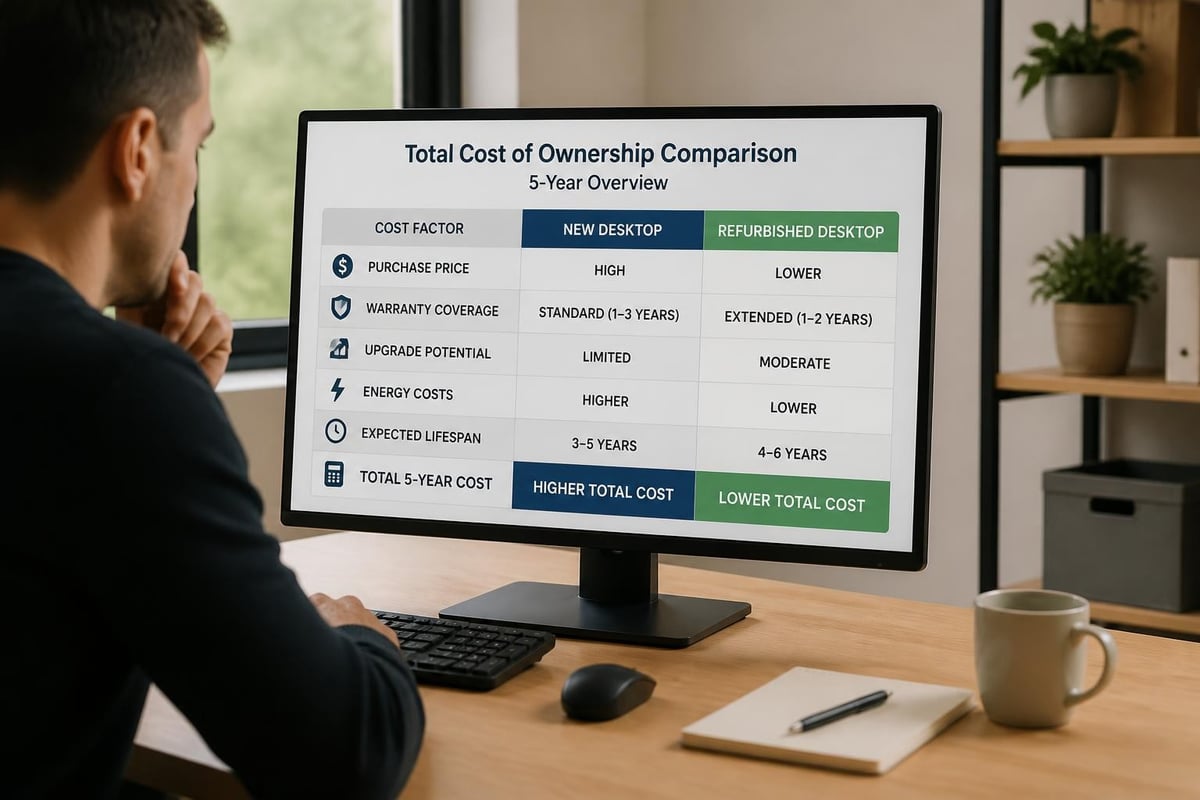
Financial considerations drive many organizations toward refurbished equipment as a strategic procurement option. The cost differential between new and refurbished PC desktops typically ranges from 40% to 70%, depending on specifications and market conditions.
This pricing structure enables businesses to acquire higher-specification equipment within existing budget constraints. A refurbished workstation with an Intel Core i7 processor and 16GB RAM often costs less than a new entry-level system with significantly inferior specifications.
Total Cost of Ownership Factors
Beyond initial purchase price, comprehensive cost analysis must account for several ongoing expense categories:
- Warranty coverage duration and scope
- Energy efficiency ratings and power consumption
- Component compatibility for future upgrades
- Expected service life and replacement cycles
- Technical support availability and response times
Understanding the differences between refurbished and used computers helps buyers make informed decisions based on quality assurance and warranty protection. Certified refurbishment provides structured quality guarantees that used equipment typically lacks.
Warranty Protection and Vendor Reliability
Warranty coverage serves as a critical differentiator between suppliers and indicates confidence in refurbishment quality. Comprehensive warranties demonstrate vendor commitment to product reliability and customer satisfaction.
Standard warranty periods for refurbished PC desktops range from 90 days to three years, with variation based on system age and refurbishment grade. Premium refurbishers offer warranty terms comparable to new equipment, including component-level coverage and advance replacement options.
Evaluating Supplier Credentials
Vendor selection requires careful evaluation of several key factors that indicate reliability and service capability. Established suppliers maintain transparent refurbishment processes and provide detailed product information.
Essential vendor qualifications:
- Authorized refurbishment partnerships with major manufacturers
- Physical service facilities and technical support infrastructure
- Clear return policies and satisfaction guarantees
- Industry certifications and compliance documentation
- Transparent grading systems for cosmetic condition
Consumer Reports emphasizes the importance of purchasing certified refurbished electronics to ensure quality and reliability standards. This certification provides buyers with recourse and accountability throughout the product lifecycle.
Component Reliability and Replacement Considerations
Different computer components exhibit varying reliability profiles when purchased as refurbished items. Understanding which parts pose minimal risk versus those requiring careful evaluation helps buyers make strategic decisions.
Storage drives and processors generally represent low-risk refurbished components. Modern solid-state drives include wear-level indicators that provide objective data about remaining service life. Processors rarely fail and maintain performance characteristics throughout their operational lifespan.
Graphics cards and power supplies require more scrutiny when evaluating refurbished systems. Expert guidance on which PC parts are safe to buy refurbished helps identify components that warrant closer inspection or preference for new replacements.
Upgrade Pathways and Expandability
Future expansion capabilities influence long-term system value and adaptability to changing business requirements. Refurbished PC desktops from business-class product lines typically offer superior upgrade potential compared to consumer-oriented models.
| Upgrade Component | Business Desktop | Consumer Desktop |
|---|---|---|
| RAM Capacity | Up to 64GB | Up to 32GB |
| Storage Bays | 2-4 drives | 1-2 drives |
| PCIe Slots | 3-4 slots | 1-2 slots |
| Power Supply | User replaceable | Proprietary |
Business-class systems feature standardized components and tool-free access panels that simplify maintenance and upgrades. This serviceability extends system lifespan and reduces long-term support costs.
Operating System Licensing and Software
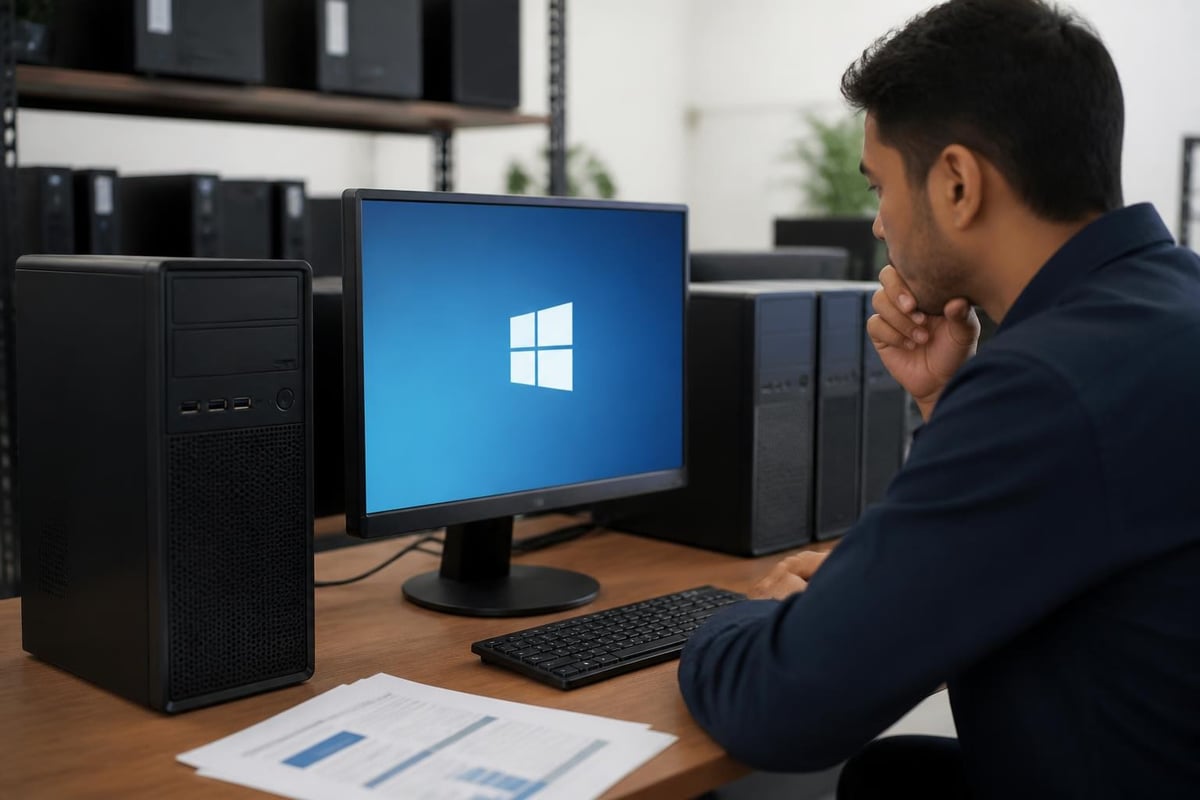
Software licensing represents an important consideration when acquiring refurbished PC desktops. Legitimate refurbishers provide properly licensed operating systems with each system, ensuring compliance with software publisher requirements.
Microsoft Windows licenses transfer with refurbished equipment through authorized refurbisher programs. These programs enable vendors to install genuine Windows operating systems while maintaining compliance with licensing agreements.
Software Configuration Options
Many refurbishment programs offer multiple software configuration options to match buyer preferences and requirements:
- Factory reset with original OS version
- Current OS version with latest updates
- Clean installation without additional software
- Business productivity suite pre-installation
- Custom image deployment for enterprise buyers
Organizations with existing volume licensing agreements can specify systems without pre-installed operating systems, reducing costs and simplifying deployment into managed environments.
Environmental Impact and Sustainability
Electronic waste reduction represents a significant environmental benefit of choosing refurbished PC desktops. Manufacturing new computers requires substantial energy input and raw material extraction, while refurbishment extends existing equipment lifespan with minimal additional resource consumption.
Each refurbished desktop prevents approximately 200 pounds of electronic waste from entering landfills and reduces carbon emissions associated with new manufacturing. Organizations pursuing sustainability initiatives find refurbished equipment aligns with corporate environmental responsibility goals.
Circular Economy Participation
The refurbishment industry supports circular economic principles by maintaining products in productive use rather than disposal after initial deployment. This approach maximizes value extraction from existing resources while minimizing environmental degradation.
Comprehensive guidance on choosing refurbished desktop computers helps buyers understand quality indicators and selection criteria. Professional refurbishment transforms retired corporate equipment into valuable resources for new users across diverse market segments.
Deployment Scenarios and Use Cases
Refurbished PC desktops serve effectively across numerous business applications and organizational contexts. Understanding appropriate deployment scenarios helps match equipment capabilities to operational requirements.
Office Productivity Environments
Standard business applications including email, document processing, spreadsheet analysis, and web-based software operate efficiently on mid-specification refurbished desktops. Core i5 processors with 8GB RAM provide adequate performance for typical office workloads.
Call centers, administrative departments, and customer service operations benefit from the cost-effective scalability that refurbished equipment provides. Large-scale deployments become financially feasible when unit costs decrease by 50% or more compared to new alternatives.
Educational Institutions
Schools and training facilities utilize refurbished PC desktops to maximize technology access within limited budgets. Computer labs, libraries, and classroom workstations serve students effectively with professionally restored equipment.
The reduced acquisition cost enables educational institutions to deploy more workstations, increasing student access to technology resources. Regular refresh cycles become sustainable when replacement costs decrease substantially.
Small Business Operations
Resource-constrained small businesses leverage refurbished desktops to establish professional computing infrastructure without excessive capital expenditure. Point-of-sale systems, inventory management workstations, and back-office computers perform reliably with appropriate specifications.
When evaluating what you really need to know about refurbished desktop PCs, buyers discover that quality refurbishment delivers performance comparable to new systems at substantially reduced investment levels.
Technical Support and Service Resources
Ongoing technical support availability influences total ownership experience and operational continuity. Reputable refurbishers provide multiple support channels and responsive service teams to address post-purchase issues.
Support service components include:
- Telephone technical assistance during business hours
- Email support with guaranteed response timeframes
- Online knowledge bases and troubleshooting resources
- Remote diagnostic and resolution capabilities
- Hardware replacement procedures and turnaround times
Organizations should verify support availability in their geographic region, particularly for businesses operating in Africa and UAE markets. Local service presence reduces downtime and simplifies warranty claim processing.
Procurement Best Practices
Systematic procurement approaches maximize value and minimize risks when acquiring refurbished PC desktops. Implementing structured evaluation criteria ensures consistent quality across multiple purchases.
Detailed product specifications should include processor model numbers, RAM capacity and speed, storage type and capacity, graphics capabilities, and included ports and connectivity options. Vague descriptions like "Intel processor" provide insufficient information for informed decision-making.
Testing and Acceptance Procedures
Upon delivery, organizations should implement basic acceptance testing to verify system functionality and specification accuracy. This validation confirms that received equipment matches purchase orders and operates correctly.
Basic acceptance tests include:
- BIOS verification of processor, RAM, and storage specifications
- Boot sequence and operating system functionality
- Port connectivity and peripheral device recognition
- Stress testing under typical workload conditions
- Cosmetic inspection against described condition grade
Identifying discrepancies immediately enables prompt resolution through vendor support channels while equipment remains within initial return windows.
Performance Benchmarking and Comparisons
Objective performance metrics help buyers evaluate different refurbished options and compare capabilities across various specification combinations. Standard benchmarking tools provide consistent measurement frameworks.
Processor performance scales roughly linearly with core count and clock speed within the same architecture generation. A quad-core processor at 3.0 GHz typically delivers approximately twice the multi-threaded performance of a dual-core processor at the same frequency.
Real-world application performance depends on balanced system specifications rather than single component emphasis. A powerful processor paired with insufficient RAM or slow storage will underperform compared to a balanced configuration with moderate specifications across all components.
Resources explaining how to choose the best refurbished desktop PC emphasize the importance of matching specifications to intended workloads rather than pursuing maximum specifications regardless of application requirements.
Security and Data Protection
Data security considerations apply equally to refurbished and new equipment, with proper configuration and management practices determining actual security posture. Refurbished PC desktops require the same security controls as any business workstation.
Professional refurbishers implement comprehensive data sanitization procedures that exceed simple file deletion. Department of Defense-standard wiping utilities overwrite storage media multiple times, ensuring previous data becomes unrecoverable.
Organizations should verify that suppliers provide data sanitization certificates documenting the erasure process and compliance with recognized standards. This documentation supports regulatory compliance and audit requirements in industries with stringent data protection obligations.
Refurbished PC desktops deliver exceptional value through professional restoration processes that transform retired corporate equipment into reliable business workstations. By carefully evaluating specifications, warranty coverage, and supplier credentials, organizations across Africa and the UAE can significantly reduce technology acquisition costs while maintaining performance standards. Global Tronix Computer Trading LLC provides access to quality refurbished computing solutions backed by expert guidance and comprehensive support services tailored to diverse business requirements throughout the region.
