- +971 56 918 6895
- sales@globaltechuae.com
- Salah Al Din Road, Deira, Dubai-UAE

Laptops 16 Inch Screen: Complete Buyer’s Guide 2026

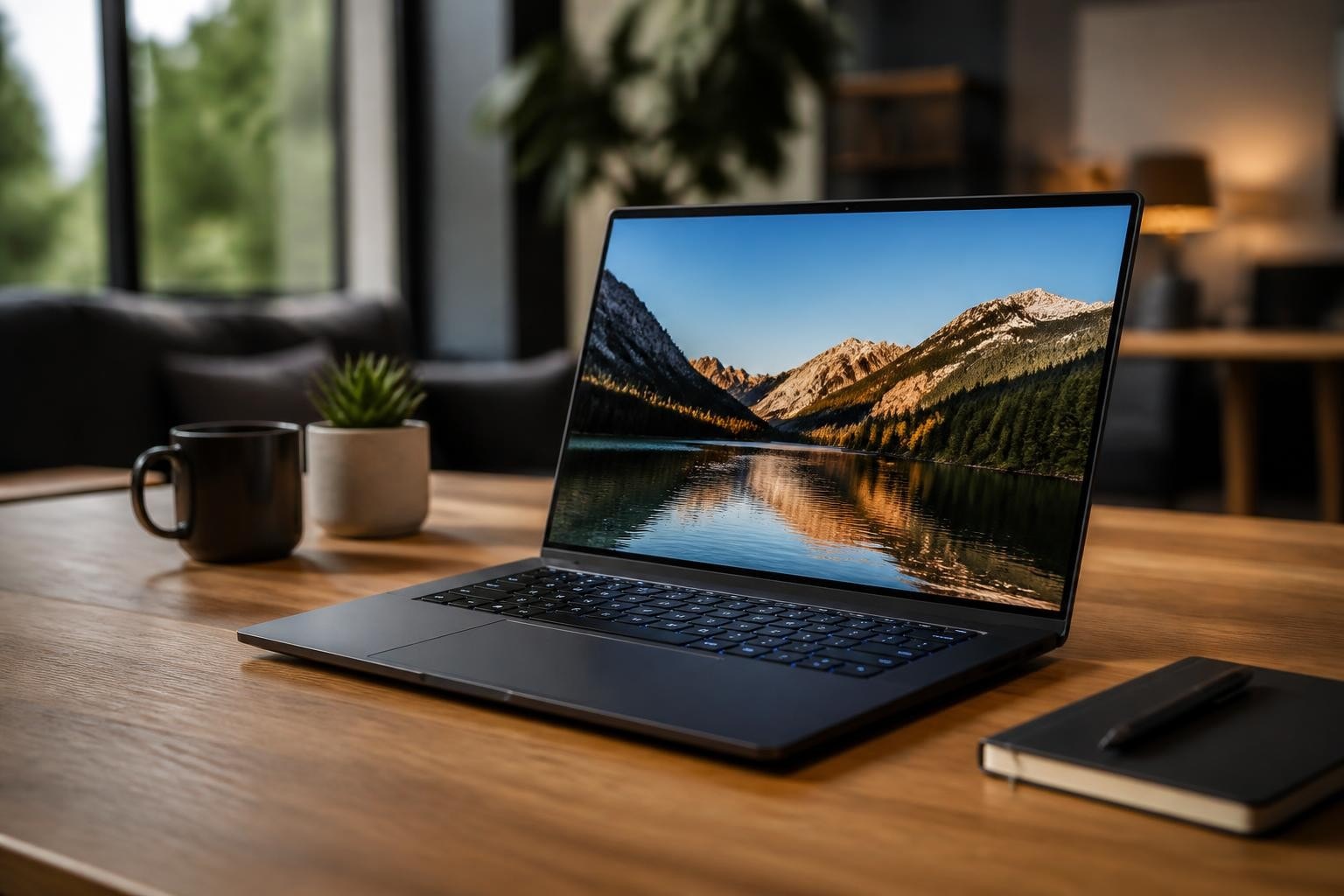
The market for laptops 16 inch screen has experienced remarkable growth over the past few years, establishing itself as the sweet spot between portability and productivity. These devices offer professionals, content creators, and gamers an expansive workspace without the bulk of 17-inch models, making them increasingly popular across Africa and the UAE. As businesses and individuals seek more powerful computing solutions, understanding the landscape of 16-inch laptops becomes essential for making informed purchasing decisions that align with specific workflow requirements and budget considerations.
Why 16-Inch Screen Size Dominates the Professional Market
The 16-inch format has emerged as the industry standard for serious work and entertainment. Unlike 15-inch models that often feel cramped during multitasking, or 17-inch laptops that sacrifice portability, the 16-inch category strikes an optimal balance.
Screen real estate directly impacts productivity. With a 16-inch display, users can comfortably view two documents side-by-side, work with complex spreadsheets, or edit high-resolution photos and videos without constant zooming. This additional space translates to fewer clicks, reduced eye strain, and improved workflow efficiency.
Key advantages of 16-inch laptops include:
- Enhanced multitasking capabilities with multiple windows visible simultaneously
- Better thermal management due to larger chassis accommodating advanced cooling systems
- Superior keyboard layouts with full-sized keys and dedicated number pads
- Larger battery capacity for extended unplugged work sessions
- More room for powerful components including discrete graphics cards
The business case for laptops 16 inch screen becomes particularly compelling when considering employee productivity. Studies indicate that larger displays reduce task completion time by up to 25% compared to smaller screens, making the investment worthwhile for companies outfitting their workforce.
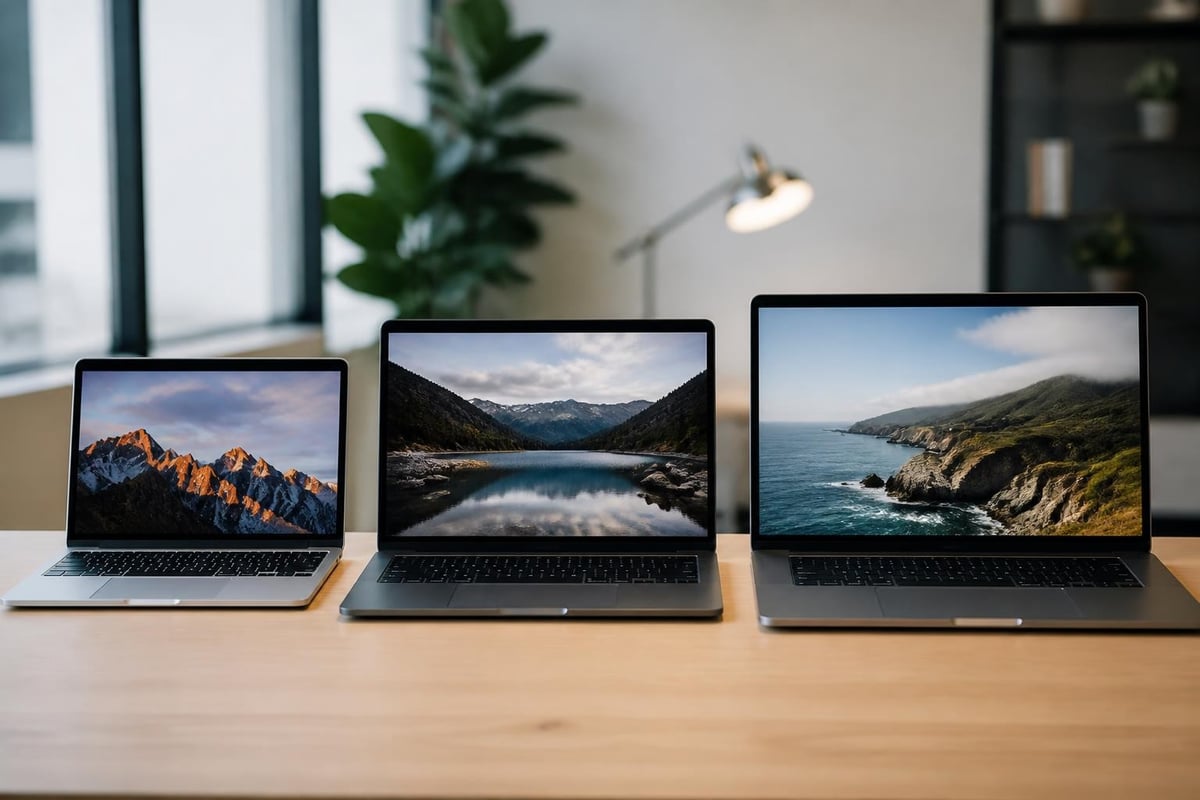
Performance Categories and Use Cases
Understanding the different performance tiers helps buyers match specifications to their actual needs rather than overspending on unnecessary capabilities.
Entry-Level Business and Student Models
Budget-conscious options in the 16-inch category typically feature integrated graphics, mid-range processors, and 8-16GB RAM. These machines excel at document processing, web browsing, video conferencing, and light content creation. The Dell 16 Plus exemplifies this category, offering solid performance for everyday tasks without breaking the bank.
Price ranges generally fall between $600-$900, making them accessible for educational institutions and small businesses. While these laptops may struggle with intensive gaming or professional video editing, they handle Microsoft Office suites, email management, and cloud-based applications with ease.
Mid-Range Creative Workstations
The middle tier targets creative professionals who need color-accurate displays and moderate graphics performance. These laptops 16 inch screen typically include dedicated GPUs from NVIDIA's RTX 40-series or AMD's Radeon lineup, 16-32GB RAM, and vibrant OLED or high-refresh-rate IPS panels.
| Feature | Business Model | Creative Workstation | Gaming Powerhouse |
|---|---|---|---|
| Processor | i5/Ryzen 5 | i7/Ryzen 7 | i9/Ryzen 9 |
| RAM | 8-16GB | 16-32GB | 32-64GB |
| Graphics | Integrated | RTX 4050/4060 | RTX 4070+/4080 |
| Display | FHD IPS | 4K OLED/QHD+ | QHD+ 240Hz |
| Price Range | $600-$900 | $1,200-$2,000 | $2,000-$4,000+ |
Photographers, graphic designers, and video editors benefit from the Dell XPS 16’s 4K OLED touchscreen, which delivers exceptional color accuracy and contrast ratios necessary for professional color grading and image manipulation.
Premium Gaming and Workstation Performance
High-end laptops 16 inch screen represent the pinnacle of portable computing power. These machines feature flagship processors, top-tier graphics cards capable of ray tracing, advanced cooling solutions with vapor chambers, and lightning-fast storage configurations.
Gaming-focused models prioritize high refresh rates (165Hz-240Hz) for competitive advantage, while workstation variants emphasize color accuracy and pen input support. Both categories share robust build quality, premium materials, and comprehensive port selections including Thunderbolt 4 and HDMI 2.1.
The MSI Stealth 16 AI+ demonstrates portability combined with top-tier performance, making it suitable for professionals who need gaming-grade power in a slimmer package.
Display Technology Considerations
Screen quality dramatically affects user experience, yet specifications can be confusing without proper context.
Resolution and Pixel Density
For 16-inch displays, three resolution standards dominate:
- Full HD (1920×1080): Offers adequate clarity for general use with better battery life and performance
- QHD+ (2560×1600 or 2560×1440): Provides sharper text and images without excessive strain on GPU
- 4K UHD (3840×2400): Delivers exceptional detail for professional content creation
Most professionals find QHD+ the ideal compromise. Text remains crisp, battery life stays reasonable, and system performance doesn't suffer unnecessarily. However, content creators working with 4K footage should prioritize native 4K displays to ensure accurate preview capabilities.
Panel Technology Impact
IPS panels remain the standard, offering good color reproduction (typically 100% sRGB coverage) and wide viewing angles at reasonable costs. These displays work well for business applications, programming, and general productivity.
OLED technology has revolutionized premium laptops 16 inch screen with perfect blacks, infinite contrast ratios, and vibrant colors exceeding 100% DCI-P3 coverage. The Dell 16 Premium showcases OLED’s advantages for visual professionals, though potential burn-in remains a consideration for static interface elements.
Mini-LED backlighting provides a middle ground, delivering improved contrast and HDR performance without OLED's burn-in concerns. These displays feature hundreds of dimming zones for superior local dimming compared to traditional LED backlights.
Build Quality and Portability Factors
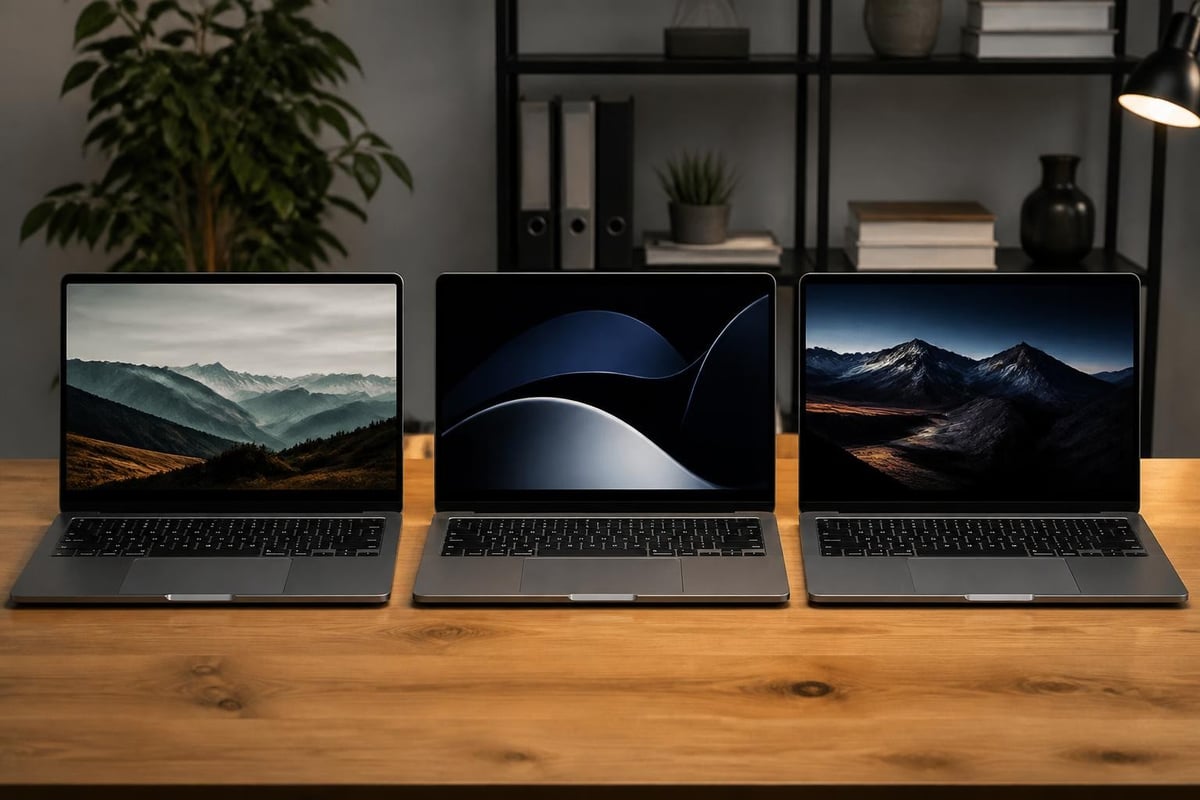
Despite sharing screen size, 16-inch laptops vary significantly in dimensions and weight based on their intended purpose.
Ultraportable models like the Asus Zenbook A16 (2026) demonstrate how manufacturers can achieve remarkably light designs without sacrificing screen size. At under 3.5 pounds, these machines compete with 14-inch ultrabooks while offering substantially more screen real estate.
Conversely, gaming-oriented laptops 16 inch screen typically weigh 5-7 pounds due to robust cooling systems, larger batteries, and reinforced chassis necessary for handling powerful components. The Alienware 16 Area-51 exemplifies this approach with its substantial build designed for maximum performance rather than minimal weight.
Construction materials significantly impact durability:
- Aluminum unibody designs offer excellent rigidity and premium feel
- Magnesium alloy provides strength with reduced weight
- Carbon fiber reinforcement increases structural integrity in specific areas
- Plastic chassis reduce costs but may feel less premium
Business travelers should prioritize models under 4.5 pounds with slim profiles that fit easily into briefcases and backpacks. Stationary users who rarely move their laptop can tolerate heavier machines in exchange for better cooling and performance.
Connectivity and Port Selection
Modern workflows demand diverse connectivity options, making port configuration a critical consideration.
Essential ports for professional laptops 16 inch screen include:
- Thunderbolt 4/USB4: Enables 40Gbps data transfer, external GPU support, and single-cable docking solutions
- USB Type-A: Maintains compatibility with legacy peripherals and accessories
- HDMI 2.1: Supports external 4K displays at 120Hz or 8K at 60Hz
- SD card reader: Crucial for photographers and videographers transferring media
- 3.5mm audio jack: Necessary for quality headphones and external microphones
The Alienware 16X Aurora includes comprehensive port arrays addressing both modern and legacy connectivity needs, ensuring compatibility across various work environments and equipment setups.
Wireless connectivity matters equally. Wi-Fi 6E or Wi-Fi 7 support ensures maximum speeds on compatible networks, while Bluetooth 5.3 provides reliable connections to wireless peripherals with improved power efficiency.
Battery Life Reality Check
Marketing claims about battery life often diverge significantly from real-world performance, particularly with laptops 16 inch screen featuring power-hungry components.
Light productivity tasks (web browsing, document editing, email) on business-oriented models typically yield 8-12 hours of actual use. Creative workloads involving photo editing or code compilation reduce this to 5-7 hours. Gaming on battery power drains most laptops within 2-3 hours, making AC power essential for intensive sessions.
| Usage Scenario | Expected Battery Life | Power Requirements |
|---|---|---|
| Office Productivity | 8-12 hours | Low |
| Web Development | 6-8 hours | Medium |
| Photo/Video Editing | 4-6 hours | High |
| 3D Rendering | 2-4 hours | Very High |
| AAA Gaming | 1.5-3 hours | Maximum |
Battery capacity measured in watt-hours (Wh) provides more meaningful comparison than marketing percentages. Most 16-inch laptops feature 70-100Wh batteries, with larger capacities directly correlating to extended runtime when controlling for component efficiency.
Fast charging capabilities have improved dramatically, with many models now reaching 50-80% charge within 30-45 minutes using appropriate power adapters. This feature proves invaluable for professionals working between meetings or traveling between locations.
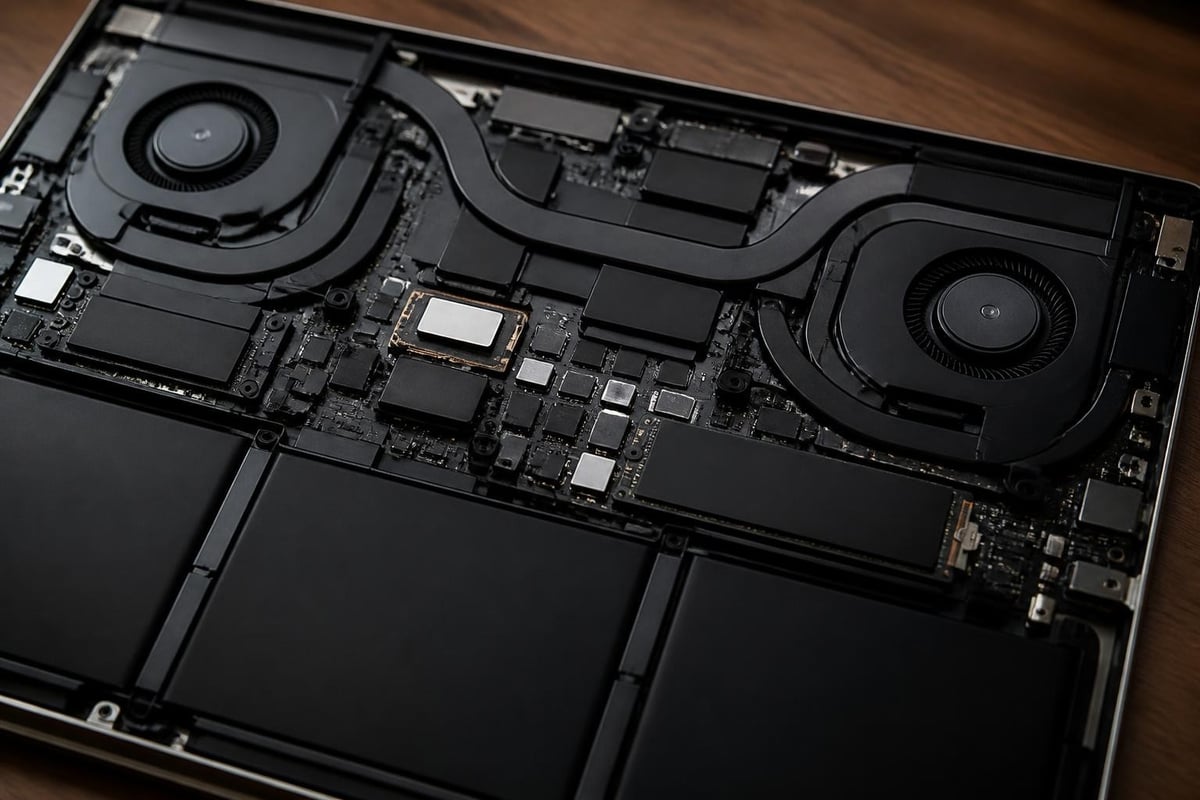
Thermal Management and Noise Levels
Powerful components generate substantial heat, requiring sophisticated cooling solutions to maintain performance and reliability.
Advanced cooling technologies include:
- Vapor chamber heat spreaders distributing heat across larger surface areas
- Multiple heat pipes transferring thermal energy to strategically positioned radiators
- Dual or triple fan configurations with independent speed controls
- Liquid metal thermal interface materials improving heat transfer efficiency
- Elevated hinge designs increasing airflow beneath the chassis
Well-designed laptops 16 inch screen maintain comfortable surface temperatures during typical use while ramping up cooling only when necessary. However, gaming laptops running at full performance inevitably produce audible fan noise, sometimes exceeding 45-50 decibels during intensive sessions.
Business users should prioritize models with intelligent fan curves that remain quiet during video conferences and presentations. Many manufacturers now include customizable performance profiles allowing users to balance performance, temperature, and noise based on current requirements.
Keyboard and Input Experience
Despite identical screen sizes, keyboard layouts and input quality vary considerably across laptops 16 inch screen models.
Premium models incorporate full-sized keys with 1.5-2mm travel distance, providing satisfying tactile feedback during extended typing sessions. Programmers and writers particularly benefit from well-spaced layouts reducing typos and fatigue.
Number pads divide opinion. Professionals working extensively with numerical data appreciate dedicated number pads, while others find them unnecessary and prefer centered keyboard layouts that improve ergonomics during typing.
Trackpad size and responsiveness dramatically impact user satisfaction. Modern precision touchpads measuring 5-6 inches diagonally support multi-finger gestures smoothly, while some innovative designs like the Dell 16 Premium’s invisible touchpad prioritize aesthetics over tactile feedback, creating mixed reactions among users.
Backlighting has become standard, with adjustable brightness levels allowing comfortable use in various lighting conditions. RGB per-key lighting remains primarily a gaming feature, though some creative professionals appreciate the customization for application-specific shortcuts.
Making the Right Purchase Decision
Selecting among numerous laptops 16 inch screen options requires balancing multiple factors against budget constraints and actual usage patterns.
Start by honestly assessing your primary use cases. Occasional gaming doesn't necessitate flagship GPUs, while professional color grading demands display quality that budget models cannot deliver. Overspending on unnecessary specifications wastes resources better allocated elsewhere.
Consider future-proofing through upgradability. Some manufacturers solder RAM and storage directly to motherboards, preventing later expansion. Models supporting component upgrades extend useful lifespan, improving long-term value despite potentially higher initial costs.
Warranty coverage and support quality matter significantly for business deployments. Enterprise-grade warranties including on-site service minimize downtime when issues occur, justifying premium pricing for organizations dependent on laptop availability.
Current comprehensive comparisons of the best 15-16 inch laptops provide detailed testing data across categories, helping buyers identify models matching their specific requirements beyond marketing specifications.
Research specific model reliability through user reviews and professional evaluations. Some manufacturers consistently deliver robust products while others experience higher failure rates requiring service interventions.
Regional Considerations for Africa and UAE Markets
Buyers in Africa and the UAE face unique considerations affecting laptop selection and ownership experience.
Climate factors impact device longevity. Higher ambient temperatures stress cooling systems more heavily than in temperate regions, making robust thermal designs particularly important. Models proven reliable in hot environments should receive preference over those designed primarily for cooler climates.
Warranty and service availability varies significantly by manufacturer presence. International brands with established regional service centers provide faster repairs and parts availability compared to those requiring international shipping for service issues.
Power adapter compatibility matters in regions with varying electrical standards. Travelers moving between African nations and the UAE should verify power supply voltage ranges (100-240V) and consider adapters for different plug configurations encountered across territories.
Import duties and local taxes substantially affect final pricing. Working with established regional suppliers often provides better total cost of ownership compared to importing devices independently, while ensuring proper warranty coverage and local support availability.
Currency fluctuations impact pricing stability. Buyers planning larger deployments should consider timing purchases around favorable exchange rates or negotiating fixed-price contracts protecting against currency volatility.
Choosing the right laptops 16 inch screen requires carefully matching specifications to your actual workflow requirements while considering long-term value beyond initial purchase price. Whether you need powerful gaming performance, color-accurate displays for creative work, or reliable business productivity, the 16-inch category offers solutions across all performance tiers and budget ranges. For businesses and individuals across Africa and the UAE seeking expert guidance and competitive pricing on 16-inch laptops from leading manufacturers, Global Tronix Computer Trading LLC provides comprehensive product selection backed by local support and warranty services tailored to regional requirements.
