- +971 56 918 6895
- sales@globaltechuae.com
- Salah Al Din Road, Deira, Dubai-UAE

10 Best UPS Systems for Offices

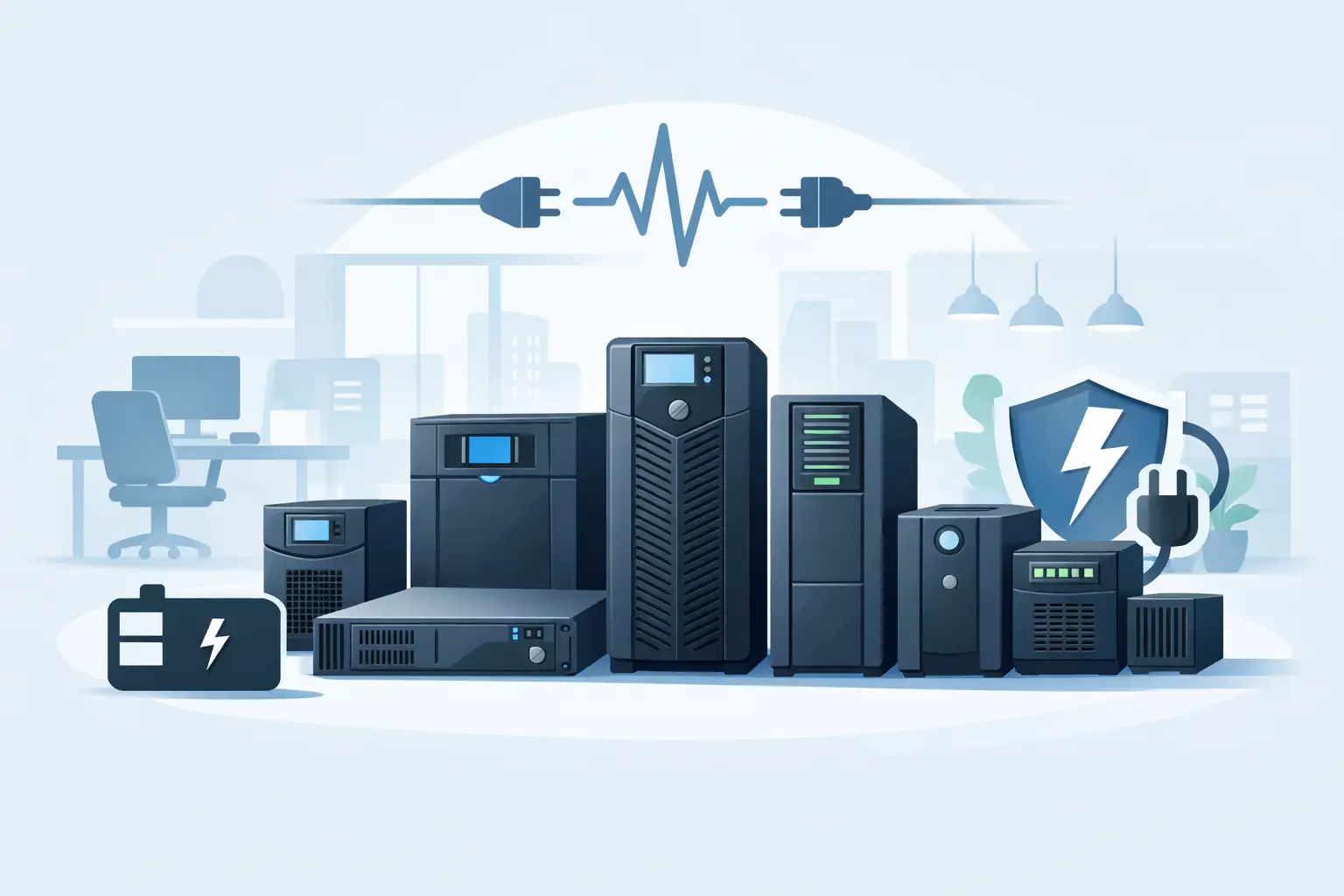
A server reboot during payroll processing is expensive. So is a VoIP outage in the middle of client calls, or a corrupted file on a shared workstation because power dropped for three seconds. That is why choosing the best UPS systems for offices is not just about backup time – it is about protecting business continuity, hardware life, and staff productivity.
For most offices, the right UPS depends less on brand marketing and more on what needs protection. A small front office with a modem, router, NVR, and two PCs has very different needs from a design team running high-draw workstations or a branch office with rack-mounted network equipment. If you are buying for a business, procurement team, or reseller project, the practical question is simple: what capacity, runtime, and power quality does the site actually need?
What makes the best UPS systems for offices
The best office UPS is not always the largest unit. Oversizing can increase cost, footprint, and battery replacement expense without solving the real issue. Undersizing is worse because it causes overload alarms, reduced runtime, and unreliable shutdowns.
For office use, four factors matter most. First is topology. Standby UPS models are usually suited to very light-duty setups. Line-interactive UPS systems are often the best fit for standard offices because they handle minor voltage fluctuations without switching to battery too often. Online double-conversion UPS units are better for sensitive equipment, server rooms, and locations with unstable utility power, but they cost more.
Second is load capacity, typically measured in VA and watts. Buyers often focus on VA, but the watt rating is what tells you how much real load the UPS can support. A 1500VA unit may only support around 900W, depending on the model.
Third is runtime. Many offices do not need an hour of battery backup. They need enough time to keep internet, switches, firewall, and core systems online through short outages or to allow safe shutdown during longer ones. Ten to twenty minutes is often enough for general office protection. More than that may require external battery packs or a larger online system.
Fourth is form factor. Desktop UPS models work for reception desks, point-of-sale counters, and individual workstations. Rack UPS systems make more sense for comms racks, server cabinets, and branch infrastructure.
Best UPS systems for offices by office type
Small office and front desk setups
If the load is limited to a router, ONU, small switch, desktop PC, and monitor, a line-interactive UPS in the 650VA to 1200VA range is usually enough. This category is a practical choice for clinics, retail back offices, consultancies, and small administrative teams.
The trade-off is runtime and expandability. These units are cost-effective and easy to deploy, but they are not built for long-duration support of multiple users or larger laser printers. In fact, printers should usually not be connected to battery-backed outlets because startup draw can overload the UPS.
General office workstation groups
For a cluster of workstations, shared network devices, and a local NAS, many buyers move into the 1500VA to 2200VA range. This is where the best UPS systems for offices begin to offer a strong balance between cost and usable runtime. A good line-interactive model in this range can support several endpoints long enough to prevent abrupt shutdowns and maintain connectivity during brief outages.
This is also the range where LCD monitoring, USB or network management, and automatic shutdown software become more valuable. Those features are not extras for corporate buyers – they reduce support calls and help IT teams manage power events in a controlled way.
Server rooms and network racks
If the UPS will protect a server, firewall, core switch, storage appliance, and telecom gear, online double-conversion models deserve serious consideration. These units continuously condition incoming power and isolate connected equipment from voltage sags, spikes, and frequency issues.
They are more expensive, and they generate more heat than smaller line-interactive models. Still, in sites where uptime matters or utility power is inconsistent, the added cost is usually justified. For many branch offices and SMEs, 2kVA to 6kVA online rack or tower UPS systems are the practical sweet spot.
Larger offices and multi-department environments
Once multiple departments depend on shared infrastructure, UPS planning changes. At that point, you are no longer buying a box for backup power. You are buying resilience for the office network, telephony, access control, and critical systems.
In these cases, scalable online UPS models with external battery options are often the better choice. They cost more upfront, but they reduce the risk of replacing undersized units later. For procurement teams, this matters because repeat emergency purchasing usually costs more than planning correctly the first time.
Key features to compare before you buy
Pure sine wave output is one of the first things to check. Many modern PCs, servers, and networking devices with active power factor correction operate more reliably on pure sine wave UPS output. For business-grade environments, this is usually the safer choice.
Battery type and replacement cycle also matter. Sealed lead-acid batteries are still common and cost-effective, but they need periodic replacement. Lithium-ion UPS options offer longer life and lower maintenance in some cases, but pricing is higher. The right decision depends on total cost of ownership, not just purchase price.
Management capability should match the site. For one desktop, local USB monitoring may be enough. For a rack environment, network cards, SNMP support, and remote shutdown control can save time and reduce risk.
Noise level is another detail buyers sometimes miss. A UPS placed under a desk or in an open office should be quiet enough for daily use. Online models are typically louder because of continuous fan operation, so placement needs planning.
Brand selection and model planning
Established UPS brands remain the safer choice for office procurement because support, battery availability, and warranty handling are easier to manage. In practice, businesses usually compare APC, Eaton, Vertiv, CyberPower, and selected regional or enterprise brands depending on budget and stock availability.
There is no universal winner across every office scenario. APC often remains a familiar choice for general office and rack deployments. Eaton is frequently selected for strong power protection and business-grade options. Vertiv is common in IT infrastructure environments. CyberPower can be attractive for cost-sensitive office deployments where good feature coverage is needed at a more accessible price point.
The more useful approach is to shortlist by application, then check availability, battery support, and lead time. For resellers and IT buyers, the best unit on paper is not the best unit if stock is delayed and the project cannot ship.
Common sizing mistakes office buyers make
A frequent mistake is calculating only current devices and ignoring growth. If a rack currently holds a firewall, switch, and one server, but two more appliances are planned next quarter, the UPS should reflect that. Buying exactly to today’s load leaves no margin.
Another issue is plugging the wrong devices into battery backup outlets. Laser printers, heaters, shredders, and other high-inrush equipment can overload a UPS very quickly. Those devices should usually be surge-protected only, not battery-backed.
Some buyers also assume longer runtime is always better. It depends. If your goal is graceful shutdown, 10 minutes may be enough. If your goal is to stay online through repeated utility interruptions, then larger battery banks make sense. Runtime should match the business process you are protecting.
Buying for offices in the UAE, Middle East, and Africa
Power conditions, ambient temperature, and support logistics can influence UPS selection across the UAE, Middle East, and Africa. In some locations, voltage instability and heat place extra pressure on power protection hardware and batteries. That makes product quality, warranty handling, and replacement battery availability more important than headline specs alone.
For business buyers managing multiple branches or urgent deployments, supplier capability matters as much as the hardware itself. Stock depth, brand range, and turnaround time can affect project success, especially when sourcing along with servers, networking, storage, and accessories from the same channel partner. This is where a supply-focused distributor such as Global Tronix can add practical value by simplifying procurement and reducing delays.
How to choose the right office UPS quickly
Start with the actual load in watts, not guesswork. Then define the goal: ride through brief outages, maintain network uptime, or support full graceful shutdown. After that, choose the topology that fits the site conditions and the sensitivity of the equipment.
If you are protecting a few desks and network basics, line-interactive is usually enough. If you are protecting servers, storage, or critical communications, online UPS is usually the better fit. Then check runtime, management features, footprint, and battery serviceability before finalizing the order.
A good UPS purchase should feel boring after installation. That is a good sign. It means the office keeps working when power does not, and nobody has to think about it until maintenance is due.
The right UPS is the one that matches your load, your risk level, and your procurement reality – not the one with the biggest number on the carton.
