

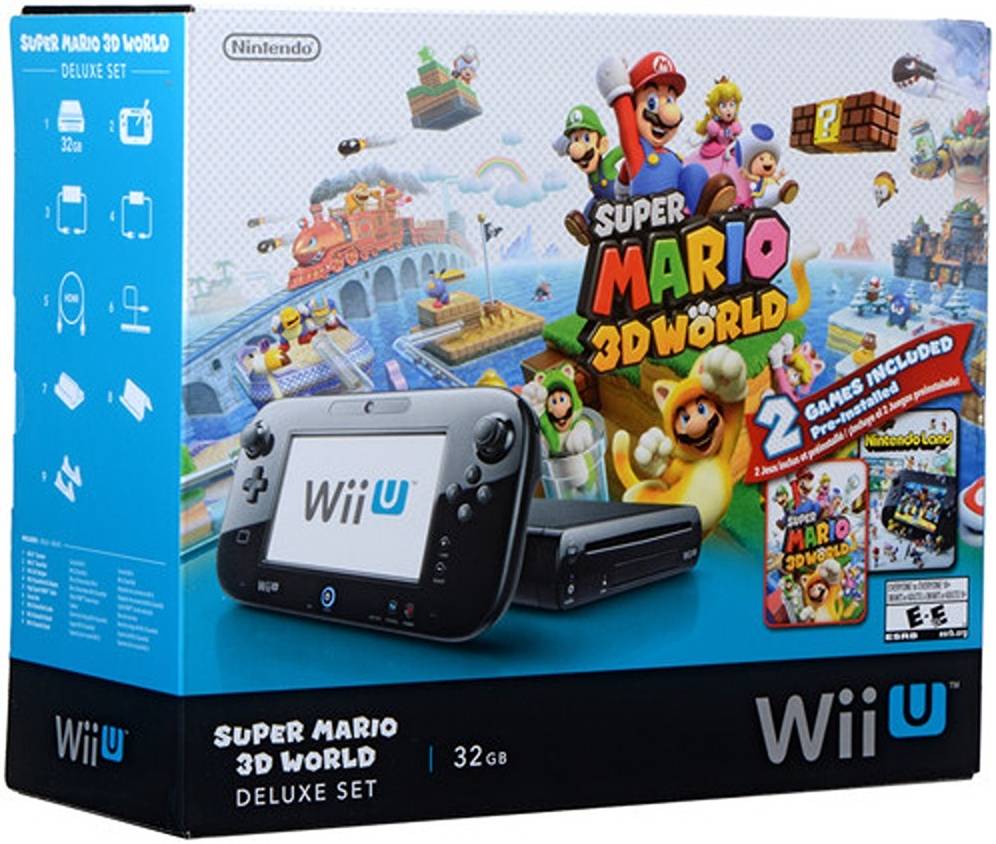
Experience your favorite Nintendo characters in stunning Full HD graphics with the Wii U Super Mario 3D World Deluxe Bundle from Nintendo. All you need is an HDTV and you can start playing right out of the box. The Wii U Deluxe Edition comes with a Wii U GamePad, Super Mario 3D World, Nintendo Land, and even a high-speed HDMI cable. You can connect to the Internet via 802.11b/g/n Wi-Fi to set up your Mii character in the Miiverse, and buy digital games in the Nintendo eShop. Powered by an IBM Power-based multi-core processor and AMD Radeon-based HD graphics, the Wii U provides a high-definition gaming experience.
- Super Mario 3D World, Nintendo Land
- 32GB Storage Capacity
- Wii U GamePad
- 802.11b/g/n Wi-Fi
- Nintendo Network and Miiverse Support
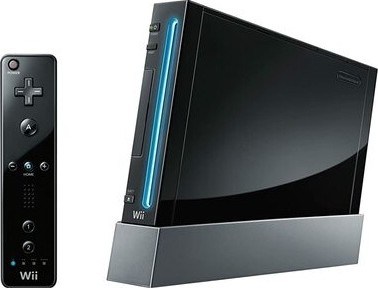
- Backwards Compatible with Wii Games
Team Attractions like Metroid Blast and The Legend of Zelda: Battle Quest that offer depth and challenge for 1 to 5 players.
The GamePad also includes motion control, a front-facing camera, a microphone, stereo speakers, rumble features, a sensor bar, a stylus, and support for Near Field Communication (NFC). It is powered by a rechargeable lithium-ion battery and weighs approximately 1.1 pounds.
The built-in accelerometer and gyroscope allow for intuitive motion controls.
The camera can be used in games and also for video chat between Wii U consoles.
In addition to being able to push the sticks in any direction, you can also press them down to use them as buttons.
It’s possible to read data from and write data to certain items, such as special cards, without contact, thanks to the built-in near-field communication (NFC) technology built into the GamePad.
If you press the HOME button while playing a game, you can choose to start a range of Wii U applications without having to leave the game you are playing.
Starts a TV remote application you can use on your TV at home.
6.2″ touchscreen
Integrated microphone
Built-in speakers
You can set the publish range of your profile or posts to “Everyone,” “Friends Only,” or “Private.” This lets you control who sees your posts. If you have a child at home, you can restrict Miiverse features such as posting, or restrict access entirely for selected users.
On the Nintendo eShop homepage, you’ll find featured games, new releases, and more – all accessible with a quick tap on the GamePad touchscreen. Search for games by genre, publisher, price, and more. Use the Parental Control setting to limit access to games based on their ESRB rating for specific users on your Wii U console or to restrict Wii U Shopping Services.
Access the Internet Browser while in the middle of a game using the HOME Button. You can pause your game at any time and go look up information about it online. The game will still be visible as you browse and you can quickly return to it when ready.




Reviews
Clear filtersThere are no reviews yet.