- +971 56 918 6895
- sales@globaltechuae.com
- Salah Al Din Road, Deira, Dubai-UAE


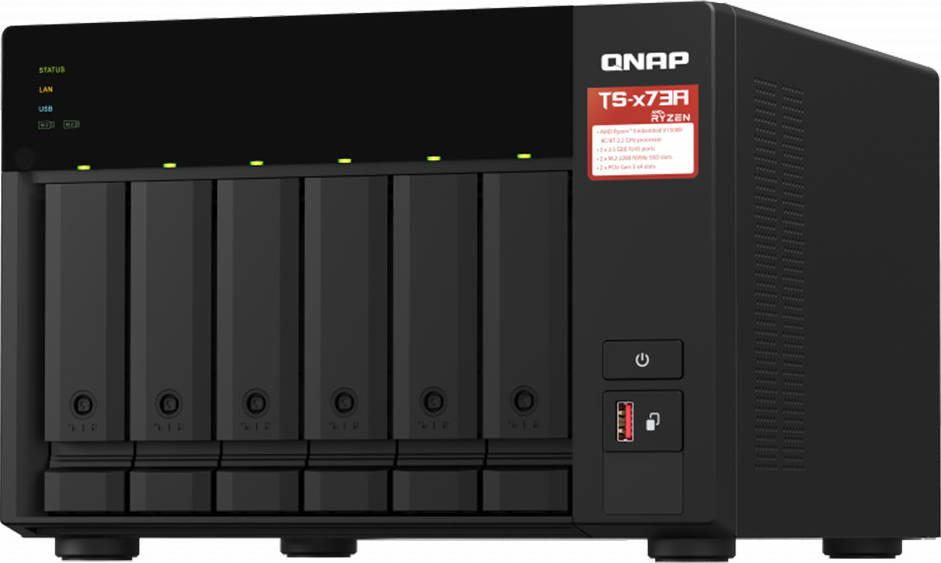
Qnap 6-Bay NAS, AMD Ryzen Embedded V1000 4 CPU, 8 GB DDR4 Memory, 6 x 3.5-inch SATA 6Gb/s, 3Gb/s, 2 PCIe Slot, USB 3.2 Gen 2 (10Gbps) Port, 250W PSU | TS-673A-8G
د.إ 3,734.19
| Brand | Qnap |
|---|---|
| Model | TS-673A-8G |
20
People watching this product now!
Description
Featuring an AMD Ryzen™ V1000 series V1500B quad-core processor that delivers great system performance with up to quad-core / 8 threads and Turbo Core up to 2.2 GHz. The TS-673A features two 2.5GbE RJ45 ports and two PCIe Gen 3 slots for you to flexibly deploy 5GbE/10GbE networks. Two M.2 NVMe SSD slots for Qtier Technology and SSD Caching enable constant storage optimization. The TS-673A supports QTS and QuTS hero, allowing users to flexibly switch operating system based on their requirements.
-
2.5GbE connectivity
Both 2.5GbE ports are backwards compatible with 1GbE/ 100MbE speeds. Up to 5 Gbps transfer speeds can be achieved by using port trunking.
-
Flexible PCIe expansion
Add extra functionality with PCIe cards, including 10GbE ports, SSD caching, extra USB 3.2 Gen 2 ports, wireless networking, or Fibre Channel.
-
GPU applications
Supports entry-level NVIDIA® graphics cards for video processing or GPU-passthrough to VMs.
-
SSD cache acceleration
Features two M.2 PCIe NVMe SSD slots for Qtier Technology and SSD Caching enable constant storage optimization.
-
Virtualization applications
Host containerized applications and virtual machines with various operating systems.
-
Supports QTS/QuTS hero OS
Features QTS operating system and supports switching to ZFS-based QuTS hero for greater reliability.
High performance AMD Ryzen processor
The TS-673A is powered by an AMD Ryzen™ V1000 series V1500 quad-core 2.2 GHz processor with up to 64GB RAM (ECC memory is supported*) and features USB 3.2 Gen 2 ports for speeds up to 10 Gb/s. The TS-673A also provides one USB Type-C port for supporting more devices to transfer large media files across devices, providing you with a more efficient workflow.
Using ECC memory requires the removal of pre-installed memory, as you cannot use non-ECC memory with ECC memory.
Related products
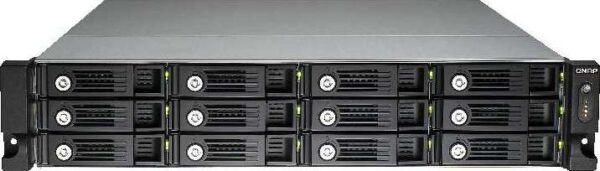
QNAP TVS-1271U-RP-i7-32G 12 Bay TurboNAS, Intel Core i7-4790S 3.2 GHz Quad Core (Turbo boost to 4.0 GHz), 32GB | TVS-1271U-RP-i7-32G
In stock
د.إ 13,376.38
SKU:
GTC53083
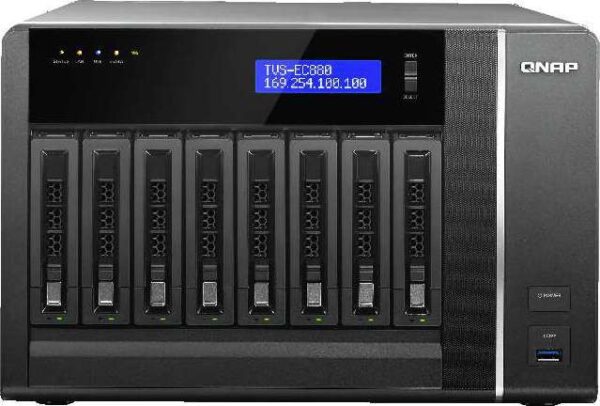
QNAP TVS-EC880-E3-16G 8 Bay TurboNAS, Intel Xeon E3-1245 3.4GHz Quad Core, 16GB | TVS-EC880-E3-16G
In stock
د.إ 8,160.98
SKU:
GTC53080
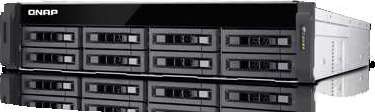
QNAP TS-EC880U-RP 8 Bay TurboNAS, Intel Xeon E3-1200 v3 family 3.4GHz Quad Core, 4GB | TS-EC880U-RP
In stock
د.إ 13,049.13
SKU:
GTC53078
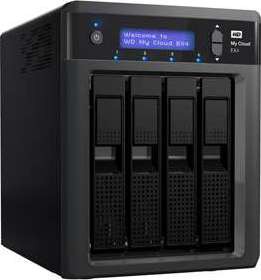

QNAP TS-470-US 4-Bay iSCSI NAS, SATA 6G, 4LAN, 10GbE-ready, LCD (TS-470-US)
In stock
د.إ 4,210.33
SKU:
GTC53058
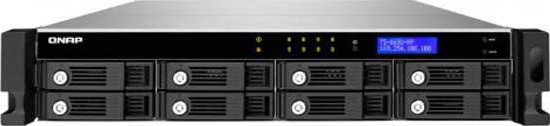
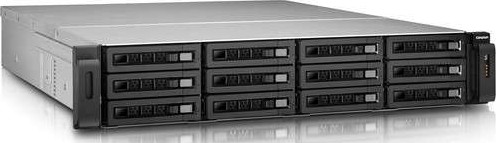
Qnap TS-1279U-RP Ultra-high performance 12-bay NAS server for SMBs
In stock
د.إ 19,531.45
SKU:
GTC53040
