


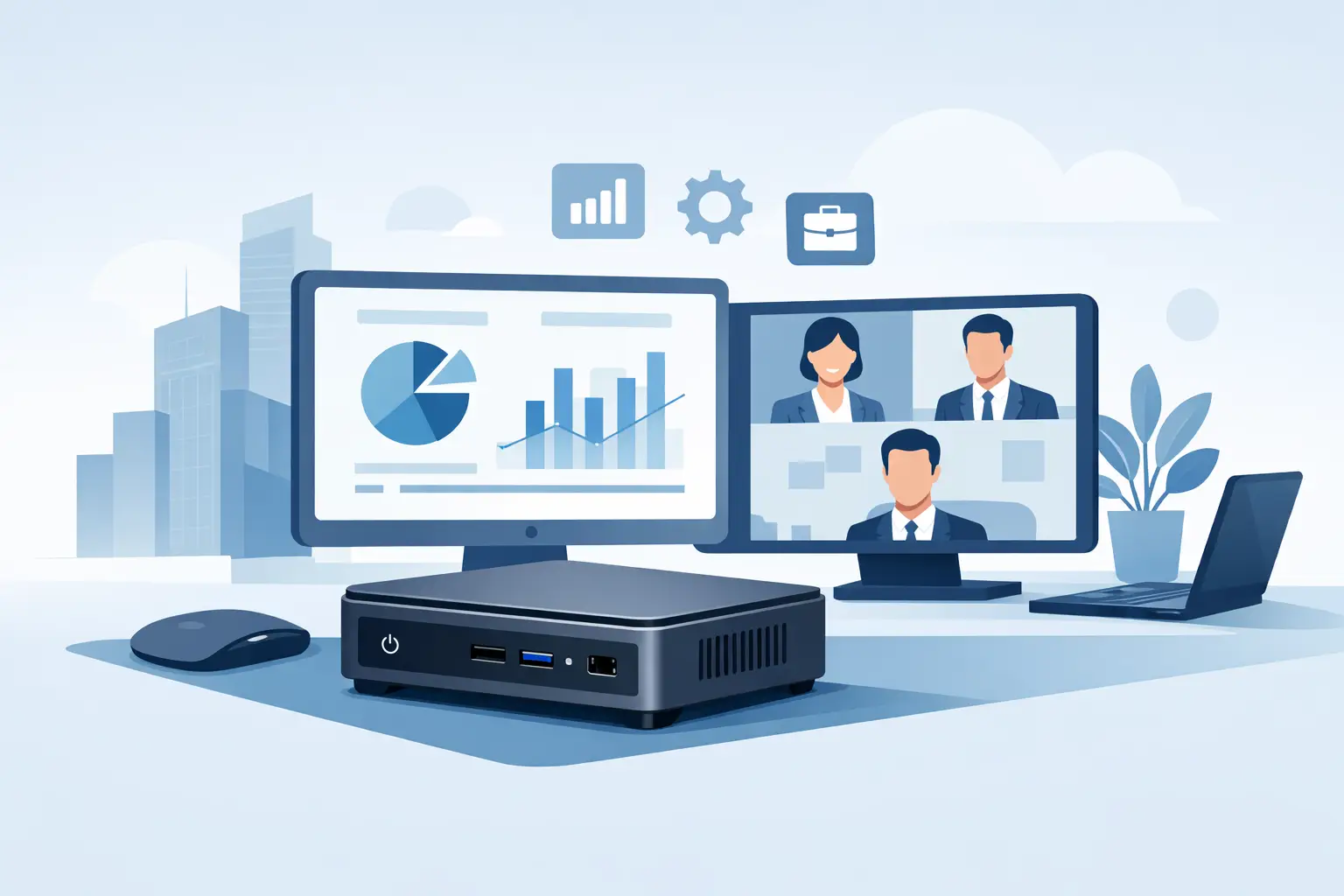
A desktop rollout looks very different when office space is tight, power costs matter, and every workstation has to be easy to deploy. That is exactly where a mini pc for business use starts to make sense. For many companies, it delivers the right balance of footprint, performance, and cost without moving users to a laptop-first setup.
Mini PCs are no longer niche devices for reception desks or digital signage only. Business-class models from brands such as HP, Dell, and Lenovo now support everyday office workloads, multi-display setups, remote management, and enterprise security features. The key is knowing where a mini PC fits well, and where a full tower or mobile device is still the better purchase.
When a mini PC for business use is the right choice
A mini PC works best when the workload is predictable and the deployment model is standardized. Front office teams, finance staff, call centers, administrative departments, retail counters, classrooms, and meeting rooms are all strong use cases. These environments usually need reliable productivity performance, low noise, small desk footprint, and simple maintenance.
For procurement teams, there is another advantage. Mini PCs are easier to standardize across multiple users because the form factor is consistent, mounting options are simple, and power requirements are lower than traditional desktops. That makes them practical for branch offices, fit-outs, and large-volume refresh cycles.
They are also useful where aesthetics and space matter. A compact system mounted behind a monitor can reduce cable clutter and free desk space without sacrificing the familiarity of a desktop environment. In customer-facing locations, that cleaner setup has real operational value.
What to check before buying
Not every compact system is a true business device. Some low-cost mini PCs are built for light consumer use and may look attractive on price, but they often fall short on manageability, support lifecycle, and component quality. For business purchasing, the specification should be evaluated beyond processor and RAM alone.
Processor and memory
For standard office users running Microsoft 365, browser-based apps, ERP portals, and video meetings, an Intel Core i5 or AMD Ryzen 5 class processor is usually the safe middle ground. Entry-level Intel Core i3 systems can work for kiosks, basic administration, and single-purpose roles, but they leave less room for future needs.
Memory should start at 8GB for very light work, but 16GB is the better business standard for general deployment. It reduces complaints, improves multitasking, and extends the useful life of the unit. If your users keep many browser tabs open, switch between spreadsheets and communication apps, or work with cloud platforms all day, 16GB should be treated as the baseline.
Storage and speed
A solid-state drive is essential. A 256GB SSD may be enough for thin-client style usage or tightly managed environments, while 512GB gives more flexibility for local files, software installs, and growth over time. NVMe SSDs are preferred because they improve boot times and application responsiveness.
This is one area where cutting cost too aggressively can backfire. Slow storage affects the user experience immediately, and support teams end up dealing with performance complaints that could have been avoided at purchase stage.
Ports and display support
Port selection matters more than many buyers expect. A business mini PC should comfortably support dual displays, multiple USB devices, network connectivity, and audio if needed. HDMI and DisplayPort combinations are common, while USB-C may be useful for newer peripherals and displays.
If the unit will be used in trading desks, control rooms, design coordination, or data-heavy roles, confirm the number of displays supported and the maximum resolution. Some compact models look identical externally but differ significantly in graphics capability.
Wired networking and Wi-Fi
For business environments, Gigabit Ethernet should be considered standard. Wi-Fi is useful, but wired connectivity is still the preferred option for stable office deployments, especially where security policy, VoIP quality, or fixed desk layouts are important.
If your business operates across several office floors, branches, or customer sites, consistent wired connectivity makes device behavior easier to predict and troubleshoot.
Security and manageability matter more than size
A mini PC for business use should not be selected as if it were just a smaller consumer desktop. Security and fleet management often matter more than the physical form factor. That is why business-series devices from major vendors usually justify their price difference.
Look for TPM support, BIOS-level security features, secure boot, and vendor tools for monitoring and updates. If your IT team manages a larger installed base, remote administration capabilities can save time during setup, patching, and troubleshooting. These features may not appear in headline specifications, but they are highly relevant to long-term operating cost.
Physical security matters too. In reception areas, retail counters, and shared offices, compact devices are easier to move or disconnect. Mounting options, chassis lock support, and tidy cabling should be part of the buying decision.
Where mini PCs have clear limits
Compact size always involves trade-offs. A mini PC is excellent for office productivity, web applications, CRM platforms, POS systems, digital signage, and general business operations. It is not always the right choice for heavy engineering software, high-end video editing, 3D modeling, AI workloads, or environments that require major internal expansion.
Thermal limits are another practical factor. Business mini PCs are designed to run efficiently, but sustained heavy workloads can expose the gap between a compact chassis and a full desktop. If teams regularly process large datasets, render media, or rely on GPU acceleration, a workstation or larger desktop may offer better long-term value.
Upgrade flexibility is also narrower. Many mini PCs allow memory and storage upgrades, but not much more. If your purchasing strategy depends on frequent internal expansion, extra PCIe cards, or specialized peripherals, the small form factor can become restrictive.
Buying for one office is different from buying at scale
A single-device purchase can focus on user needs. A 100-unit deployment has to consider imaging, accessory compatibility, warranty handling, replacement cycles, and stock continuity. That is why businesses, resellers, and system integrators should assess mini PCs not only by unit price, but by procurement efficiency.
Consistency across batches is especially important. If you standardize on a model and need to extend the rollout later, availability matters. The ability to source matching or approved equivalent units quickly can prevent support issues and configuration drift.
This is where working with a supply-focused IT partner makes a difference. For businesses in the UAE and regional markets managing branch expansion, project-based installations, or urgent replenishment, sourcing from an established supplier such as Global Tronix can simplify bulk ordering and reduce lead-time risk.
Best fit by business type
Small offices often benefit first because space is limited and users mainly need stable performance for productivity software, accounting tools, and communication platforms. A mini PC can provide a cleaner and more cost-effective setup than a laptop docked at every desk.
Corporate departments with structured IT policies also benefit, especially when devices are mounted behind monitors in standardized workspaces. It simplifies desk layouts and can make office refresh projects faster to execute.
Retail and customer-facing environments are another strong match. Compact systems fit well at checkout counters, service desks, kiosks, and back-office stations where larger desktops would be awkward.
For resellers and integrators, mini PCs are practical components in bundled solutions. They work well in meeting room packages, digital signage deployments, training labs, and light industrial administrative setups. The value is not just in the device itself, but in how easily it fits into a repeatable solution.
How to choose the best mini pc for business use
Start with the user profile, not the product brochure. If the device will handle email, cloud applications, spreadsheets, video calls, and line-of-business software, prioritize a current-generation business platform with 16GB RAM, SSD storage, dual-display support, and wired networking.
Then check the lifecycle. Ask whether the model is part of a commercial product family, whether parts and compatible units will remain available, and whether the vendor provides business-grade warranty options. Cheap hardware is less attractive once downtime, replacement mismatch, and support effort are considered.
Finally, buy for the environment. A finance team, a front desk, a classroom, and a signage deployment do not need the same specification. The best mini PC for business use is the one that matches workload, deployment scale, and service expectations without overspending on features that will never be used.
A compact desktop can be a smart business investment when it is chosen with the same discipline applied to any other IT asset. Get the specification right, source it from a dependable supplier, and it will do exactly what businesses need most – stay out of the way and keep work moving.
