


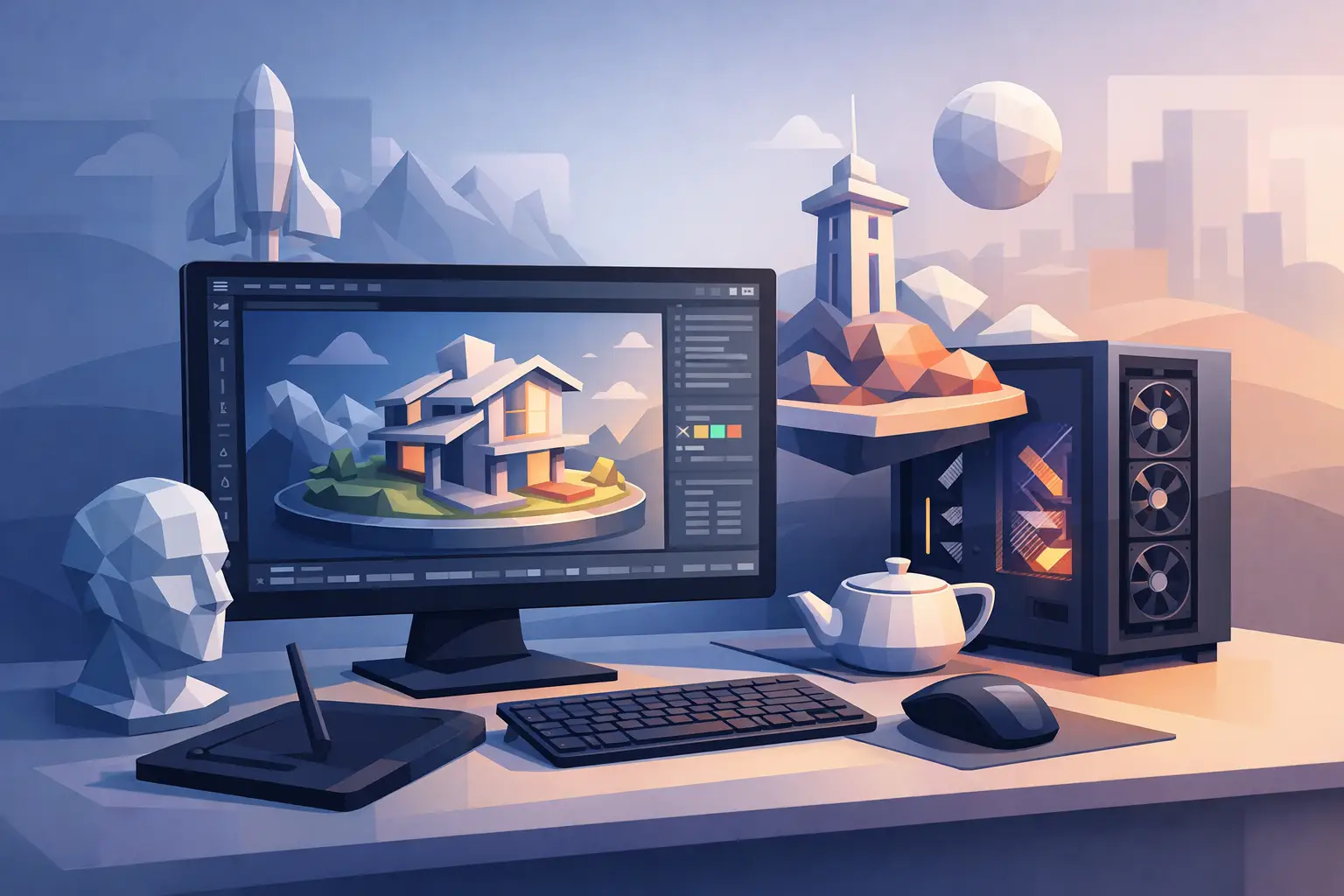
A workstation that looks strong on paper can still be the wrong fit for 3D work. Rendering workloads punish weak component balance, and the gap between a smooth production machine and a frustrating one usually comes down to a few practical decisions. If you are choosing the best workstation for 3d rendering, the right answer depends less on brand marketing and more on your software, scene complexity, and delivery deadlines.
For studios, architects, design teams, resellers, and procurement managers, this is not just a spec-sheet purchase. It affects render times, artist productivity, upgrade cycles, and how quickly projects move from modeling to final output. Buying too little creates bottlenecks. Buying too much in the wrong area wastes budget that could have gone into storage, memory, or additional nodes.
What makes the best workstation for 3D rendering?
The best workstation for 3D rendering is not always the most expensive tower available. It is the system that matches the rendering engine you use every day. Some pipelines rely heavily on CPU rendering, while others lean on GPU acceleration. Many teams also need strong viewport performance, simulation support, and enough memory headroom for large scenes.
If your team works in V-Ray CPU, Arnold CPU, or engineering workflows that still favor processor-heavy tasks, core count matters a lot. In that case, a workstation with a high-core-count professional CPU and large RAM capacity is usually the better investment. If your work centers on Redshift, Octane, Blender Cycles GPU, or other GPU-based engines, a machine with a powerful NVIDIA GPU setup will have a much bigger effect on render speed.
This is where many purchases go wrong. Buyers often overspend on CPU because it sounds safer, even when the actual renderer is GPU-first. Others buy a top-tier graphics card but pair it with limited RAM or weak storage, which creates delays during scene loading, caching, and multitasking.
Start with the software, not the chassis
Before comparing HP, Dell, or Lenovo workstation lines, define what the machine needs to do. A visualization artist working in 3ds Max and Corona has different priorities than an animation team using Maya with GPU rendering. Product design teams using CAD, SolidWorks visualization, or mixed rendering workloads often need a more balanced configuration.
A good buying process starts with three questions. Which applications are used most? Is rendering primarily CPU, GPU, or hybrid? How large are the scenes and assets? Those answers will narrow the workstation category much faster than browsing model names.
For business buyers, this matters even more when sourcing multiple units. Standardizing the wrong configuration across a team can lock in unnecessary cost or repeated performance issues. A trusted supplier should be able to align hardware recommendations with actual workload requirements, not just offer the highest available spec.
CPU choices: when processing power still leads
CPU rendering remains relevant, especially in architecture, product visualization, simulation-heavy workflows, and studios with mature pipelines built around processor-based engines. In these cases, AMD Threadripper Pro and Intel Xeon-class workstation platforms are common choices because they offer high core counts, enterprise stability, and support for large memory capacity.
More cores usually mean faster final renders, but clock speed still matters for modeling, scene interaction, and general responsiveness. That trade-off is important. A workstation with extreme core count may render faster overnight, but if artists spend all day waiting on viewport actions, the productivity gain shrinks.
For many professional users, the practical middle ground is a high-performance workstation CPU with enough cores for rendering and strong single-core performance for design work. This balance tends to suit mixed-use environments better than a system optimized for only one stage of production.
GPU matters more than many buyers expect
For GPU rendering, the graphics card is often the biggest performance driver. NVIDIA professional GPUs and high-end RTX models are commonly preferred because many rendering engines are optimized around CUDA and RTX acceleration. VRAM is just as important as raw GPU power. A fast GPU with limited video memory can struggle with large textures, complex geometry, and detailed scenes.
If your renders fail due to memory limits, extra GPU speed will not solve the problem. That is why teams working on commercial interiors, large product catalogs, motion graphics, or animation sequences should pay close attention to VRAM capacity. In practical terms, a well-chosen GPU with sufficient memory is often a smarter buy than chasing the absolute highest benchmark score.
For teams planning future growth, chassis and power design also matter. Not every workstation supports multiple GPUs, adequate cooling, or later expansion. If your roadmap includes heavier GPU rendering six months from now, choose a platform that can scale without replacing the full system.
RAM and storage are not secondary specs
Memory shortages are one of the most common causes of slowdowns in 3D workflows. Large scenes, texture libraries, simulation caches, and multiple open applications can consume RAM quickly. For professional rendering, 32GB is entry-level, 64GB is a safer baseline for serious work, and 128GB or more is often justified for larger production scenes or multitasking environments.
ECC memory may also be worth considering in business and studio settings where stability matters more than shaving a small amount off initial cost. It is not necessary for every buyer, but for continuous rendering workloads and project-critical systems, it can be a sensible choice.
Storage should be split by task. NVMe SSDs are the standard for operating system, applications, active projects, and cache-heavy workflows. Secondary SSD or high-capacity storage can then handle archives and asset libraries. If artists are constantly loading large files from slow drives, even a strong CPU and GPU setup will feel underused.
Mobile workstation or desktop tower?
Some buyers search for the best workstation for 3d rendering and immediately compare only tower systems. That makes sense for fixed studios, but not every team works that way. Architects, client-facing design consultants, and on-site technical teams may need mobile workstations for portability.
A mobile workstation can handle modeling, previews, and moderate rendering tasks well, especially with current high-performance CPUs and professional GPUs. But for sustained heavy rendering, desktop towers still offer better thermals, easier upgrades, and stronger value over time. They are generally the better choice for full-time production use.
So the decision depends on workflow. If mobility is essential, a premium mobile workstation is justified. If the system will live at a desk and process demanding jobs every day, a desktop workstation is usually the smarter long-term investment.
Best workstation brands and buying approach
HP Z workstations, Dell Precision systems, and Lenovo ThinkStation models remain strong options because they are widely used in professional environments and available in configurations suitable for rendering workloads. The better choice often comes down to component availability, warranty terms, lead time, and whether the exact CPU-GPU-memory combination is in stock.
For procurement teams and resellers, availability is not a small detail. A theoretically ideal configuration means little if delivery timelines are too long or sourcing is fragmented across multiple vendors. In business purchasing, the best workstation is often the one that hits the right performance target and is available with reliable fulfillment.
That is why many buyers work with suppliers that can support configuration matching, volume requirements, and urgent turnaround. For organizations sourcing in the UAE, Middle East, or Africa, Global Tronix Computer Trading LLC supports business buyers with access to major workstation brands and broader IT infrastructure needs through one procurement channel.
A practical way to choose
If your work is mostly CPU rendering, prioritize processor class, memory capacity, and thermal design. If your workflow is GPU-based, spend more attention on GPU model, VRAM, power headroom, and future expansion. If your team handles mixed design and rendering tasks, choose a balanced system rather than a machine built around one benchmark.
It also helps to think beyond the individual unit. A slightly lower-cost workstation that can be deployed in multiples may serve a studio better than one flagship machine. In other cases, one high-spec lead workstation plus several balanced production systems is the more efficient purchasing model.
The best buying decision is rarely the loudest or most expensive option. It is the one that fits the renderer, supports the workload, and arrives ready to keep projects moving without unnecessary delay. When render time affects delivery time, good hardware selection stops being a technical detail and becomes part of the business result.
